
PodClip Chrome Extension
Summaries Right on YouTube
Open any YouTube video and the PodClip panel is already there.
Summarize it, pick a prompt, read the transcript or chat with the video without leaving the page.
 Add to Chrome
Works with your PodClip account.
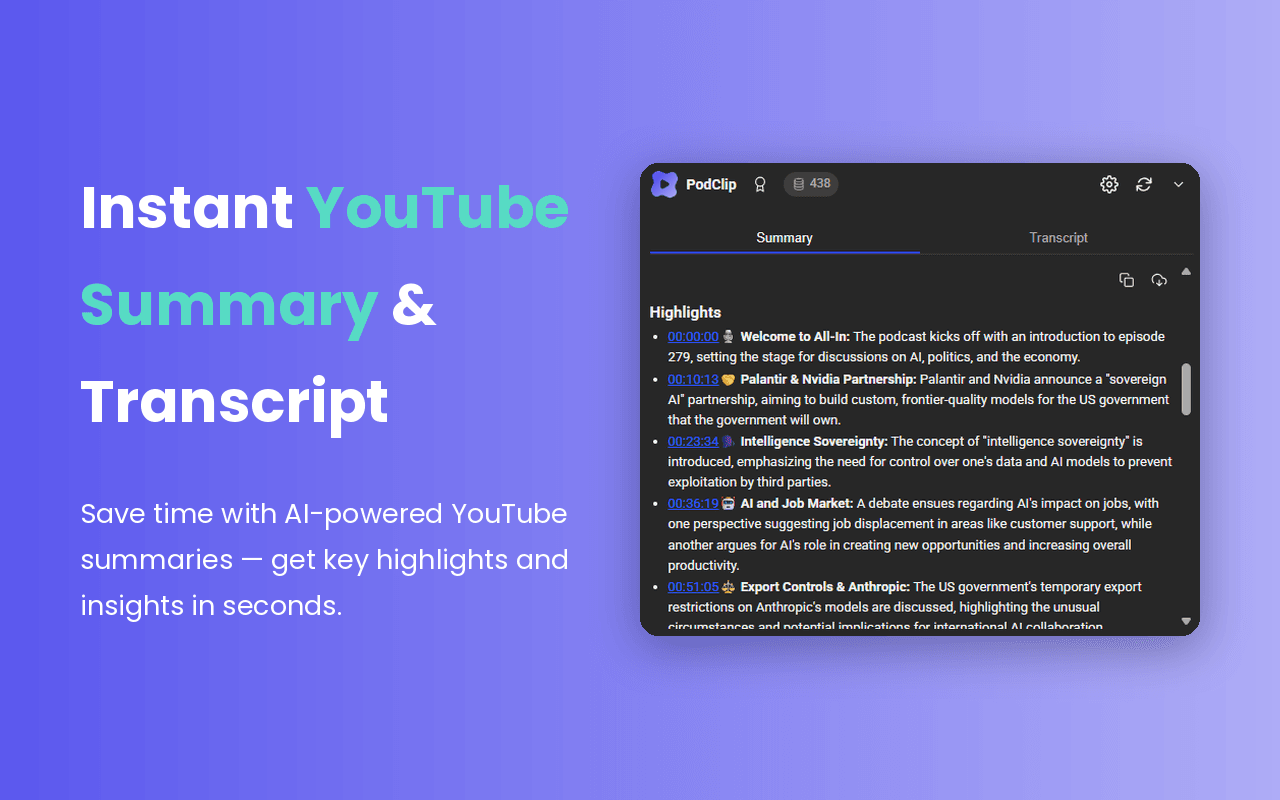
What you can do
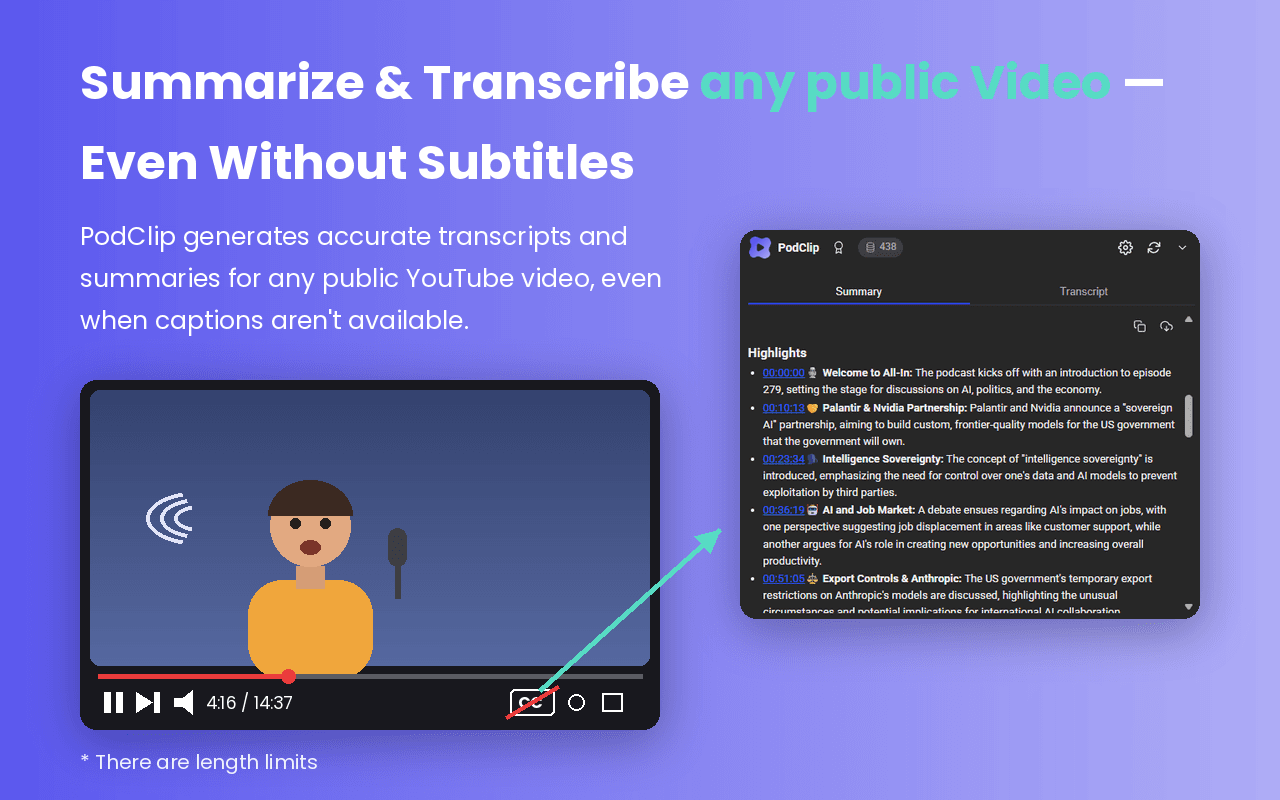
Summarize the video you are watching
One click turns the loaded video into a structured summary with highlights, key insights and timestamps you can jump to. Copy it or download it as a PDF. On Pro and Unlimited plans it works even when the video has no subtitles.
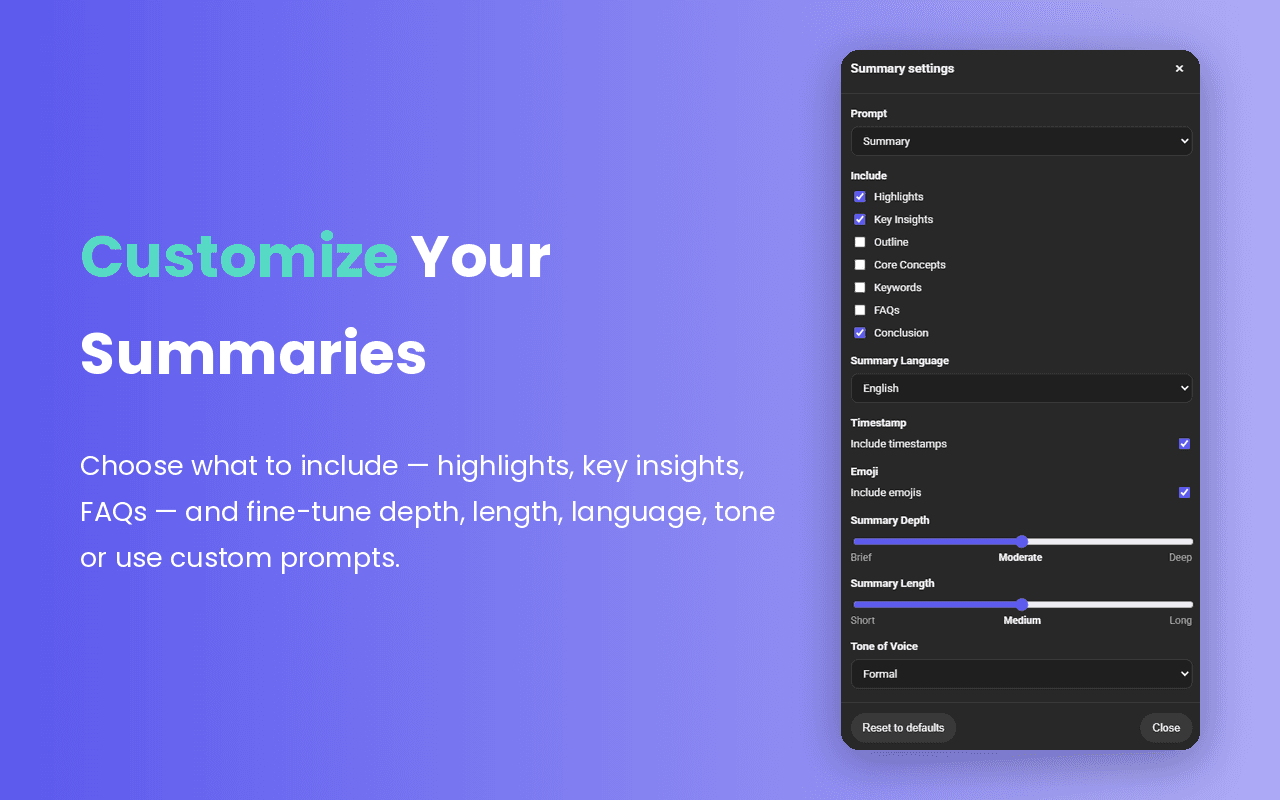
Pick a prompt or write your own
Choose a predefined prompt or type a custom one, then decide what to include: highlights, key insights, outline, core concepts, keywords, FAQs or conclusion. Set the language, tone of voice, depth and length, and switch timestamps and emojis on or off.
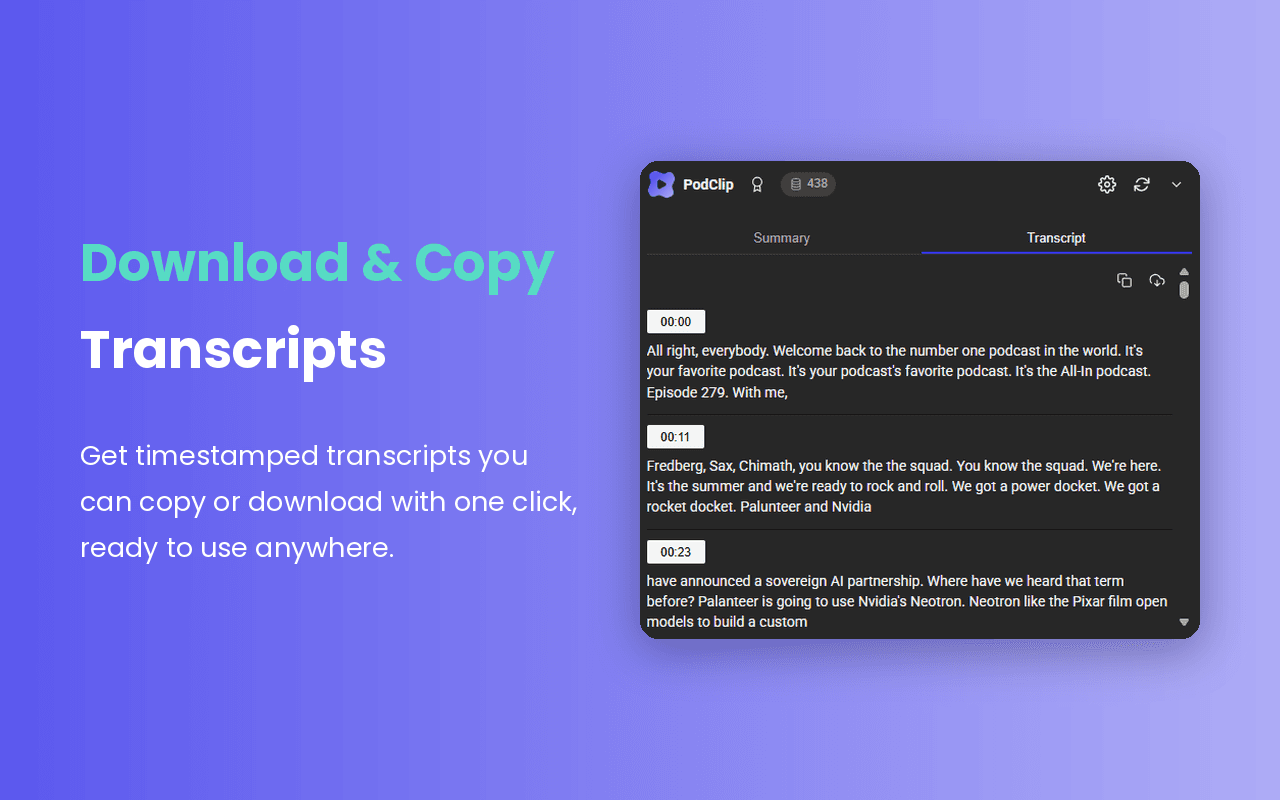
Get the transcript
The Transcript tab shows a clean, timestamped transcript of the video. Copy it or download it with one click and use it anywhere.
Chat with the video
The Chat tab is an AI assistant that has read the video for you.

Ask what the video is about before you commit 40 minutes to it.
Get a specific answer, a quote or a number without scrubbing through the timeline.
Answers are based on the transcript of the video you have open.
How it Works?
Add PodClip to Chrome
Install the extension from the Chrome Web Store. It only runs on youtube.com.
Sign in with Google
Use the same PodClip account as the web app. Credits, plan and saved summaries are shared.
Open any YouTube video
The PodClip panel appears next to the video. Generate a summary, read the transcript or start a chat.
Included in every plan
Pro and Unlimited both cover AI summaries, AI chat, transcripts, and custom and predefined prompts. Videos without subtitles are summarized too, up to 30 minutes on Pro and 40 minutes on Unlimited.
See full pricing
FAQ
Which browsers are supported?

Do I need a PodClip account?
Does it work on videos without subtitles?
Does the extension cost extra?
Does it change how YouTube looks?
FAQ
Which browsers are supported?
Do I need a PodClip account?
Does it work on videos without subtitles?
Does the extension cost extra?
Does it change how YouTube looks?
