
How PodClip Works
From YouTube Link to Summary
Paste a link, get a summary in seconds, then chat with the video, read the transcript and keep your notes. Here is the whole flow, step by step.
Get startedFive steps, a few seconds
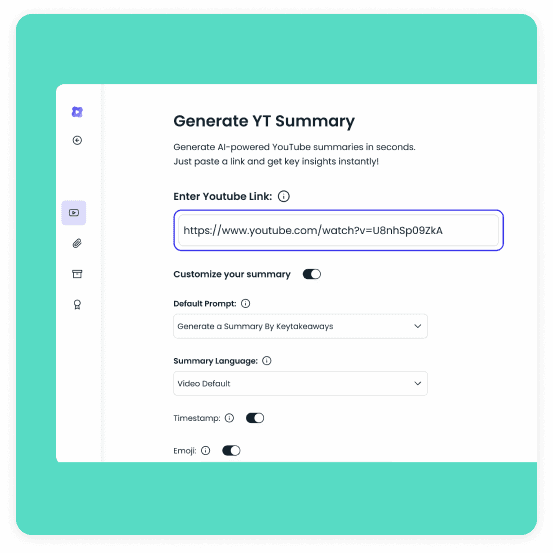
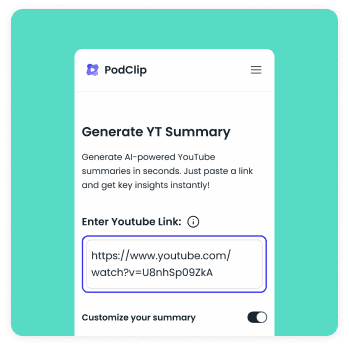
Paste YouTube URL
Copy the link of any public YouTube video and paste it into PodClip. If the video has subtitles it works on every plan. Pro and Unlimited also handle videos without subtitles, up to 30 and 40 minutes long.
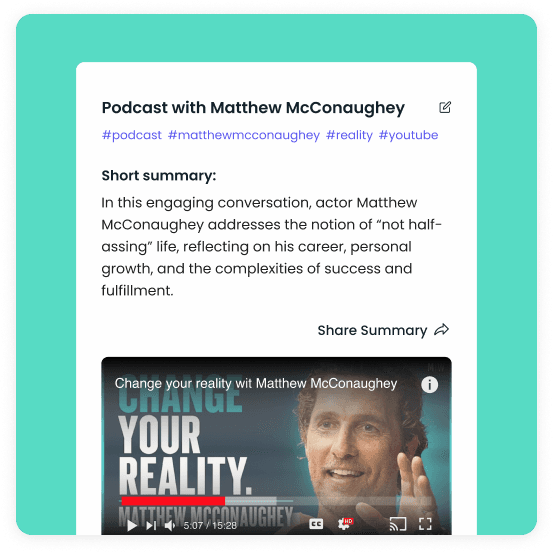
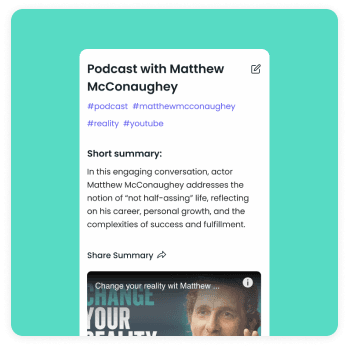
Get Summary
In a few seconds you get a structured summary with highlights, key insights and timestamps. Pick a predefined prompt or write your own, choose the language, depth, length and tone, and regenerate whenever you want a different angle.
Translate Transcript
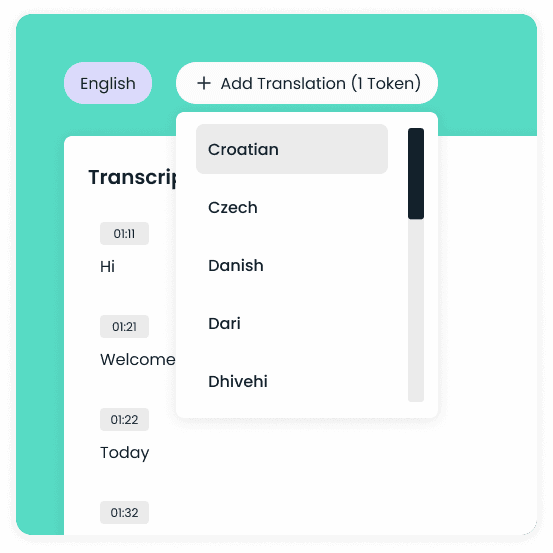
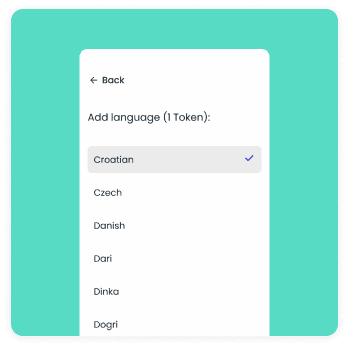
Every summary comes with a clean, timestamped transcript. Click a timestamp to jump to that moment in the video, translate the transcript into 48+ languages, or download it to use somewhere else.

Chat with AI Assistant
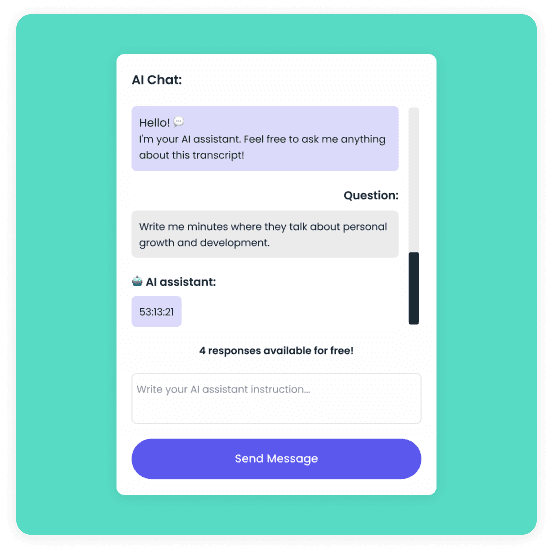
Ask the AI assistant anything about the video. It answers from the transcript, so you get a specific quote, number or explanation without scrubbing through the timeline. Suggested follow-up questions help you dig deeper.
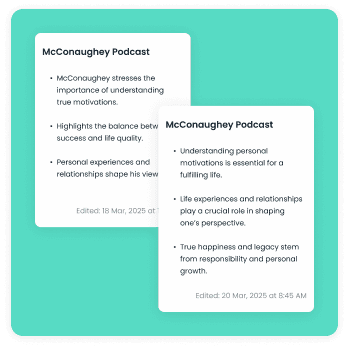
Write your Notes
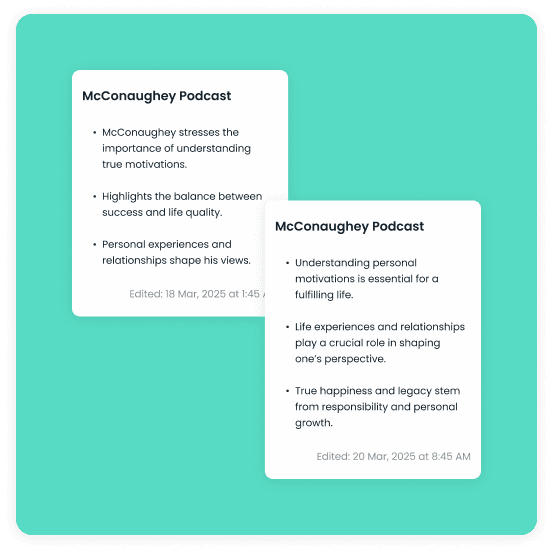
Keep your own notes next to the summary and transcript. Everything is saved to your account, so you can archive, search and come back to it later on any device or in the Chrome extension.
More ways to use PodClip
Chrome Extension
Get the summary, transcript and chat in a panel right next to the video on YouTube, without leaving the page.
Learn more
YouTube Channel Summaries
Subscribe to a channel and PodClip emails you a summary of every new video, so you only watch what matters.
Learn moreYouTube Transcript Generator
Turn any YouTube video into a clean, timestamped transcript you can read, translate and download.
Learn moreYouTube Subtitle Downloader
Download subtitles in the format you need and jump to any part of the video from the transcript.
Learn moreWhat it costs
Pro gives you 1000 credits a month for summaries, chat, transcripts and prompts, and Unlimited has no credit limit. Both include summaries for videos without subtitles and channel summaries by email.

